Living in South Africa, we all know that the true value of a medical aid lies in its ability to cushion the blow of healthcare costs.
Whether you are on a long-term prescription for birth control or seeking once-off treatment for a sexually transmitted infection, having that financial safety net makes a world of difference. When you choose modern telehealth, you are opting for convenience, but you still want to ensure your monthly contributions work for you.
Understanding the intersection of digital scripts and scheme reimbursements is the best way to keep your wellness journey affordable while enjoying the privacy and ease of home delivery.
Today, we are diving into a real patient question that landed in our inbox:
How do I obtain my invoice to claim from my medical aid?
This guide walks you through exactly how that works, what local schemes cover, and the specific details you need to submit a successful claim.
How Do I Obtain My Zapmed Invoice to Claim from My Medical Aid?
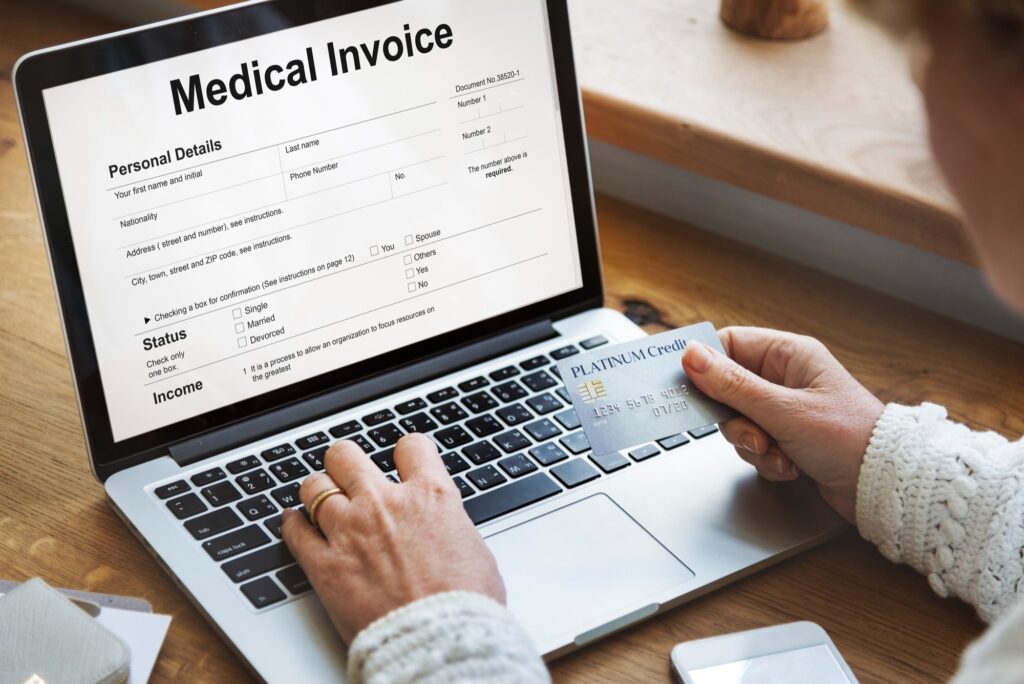
After your Zapmed consultation, an invoice is sent directly to your email address. If you cannot find it in your inbox, check your spam folder first. You can also log into your Zapmed patient portal and download the invoice from there at any time.
Your invoice will include all the details your medical aid needs to process a claim: the consultation date, the service rendered, and the relevant billing codes. Keep this document saved somewhere accessible because you will need it when submitting your claim online or at your scheme’s branch.
Table of Contents
Which Medical Aids Typically Reimburse Zapmed Costs?
South Africa’s major schemes generally support telehealth consultations, but reimbursement rates and processes differ.
Discovery Health reimburses consultations from your Medical Savings Account (MSA) or Personal Health Fund, depending on your plan. Discovery uses the Discovery Health Rate (DHR); if Zapmed’s fee exceeds this, a co-payment may apply. Claims should be submitted via the Discovery Health app. For medication, claims are processed by the dispensing pharmacy, though members on KeyCare or Smart plans must use network-specific pharmacies to avoid out-of-pocket costs.
Bonitas processes claims for consultations through your day-to-day benefits or savings. To claim, you must submit a valid Zapmed tax invoice (including a practice number and ICD-10 code) via the Bonitas member app or web portal. Prescription claims are subject to the Bonitas Pharmacy Network; using a non-network pharmacy may trigger a 20% to 30% co-payment.
Momentum Medical Scheme and Fedhealth both recognise telehealth. Momentum members typically fund these via their HealthSaver or MSA, with a standard virtual consultation rate often applied. Fedhealth members on flexiFED plans can use their Day-to-Day Plus (D2D+) benefit once unlocked via a Health Risk Assessment. Claims for both are managed through their respective apps using your digital invoice.
Medihelp and GEMS support day-to-day claims for GP-level consultations. GEMS members should be cautious of Designated Service Provider (DSP) restrictions; on options like Tanzanite One, using a non-network telehealth provider may lead to significant co-payments.
Across all schemes, always confirm your specific plan’s 2026 rules regarding “Virtual Care” benefits before assuming full reimbursement.
The Specifics Your Provider Needs
- To ensure your claim is processed without being sent back for more information, your invoice includes three vital pieces of information.
- Practice Number: This identifies the medical professional who treated you.
- ICD-10 Codes: These are international codes that tell the medical aid what condition was treated.
- Detailed Line Items: A breakdown of the service rendered.
When you submit these details via your medical aid’s member portal or app, the processing time usually takes a few business days.

Step-by-Step: How to Claim Your Zapmed Consultation Fee from Medical Aid
Step 1: Complete your Zapmed consultation
After your consultation, check your email for your invoice. If it has not arrived within a few hours, log in to your Zapmed patient portal and download it directly.
Step 2: Check your invoice details
Your invoice should reflect the consultation date, the service provided, and the relevant ICD-10 codes linked to your condition. ICD-10 codes are standardised diagnosis codes that medical aids require to process claims. If anything looks unclear, contact the Zapmed support team before submitting.
Step 3: Note the practice number
Zapmed’s practice number will appear on your invoice. Medical aid portals typically require this when submitting a claim for a consultation. Do not skip this field when filling in your claim form.
Step 4: Log in to your medical aid portal or app
Most major schemes now have online claim submission available. Discovery uses the Discovery Health app, Bonitas has its member portal, and Momentum uses the Multiply and Health app. Look for a section labelled “Submit a Claim” or “Day-to-Day Claims.”
Step 5: Upload your invoice
Attach your Zapmed invoice as your supporting document. Fill in the required fields: your membership number, the date of service, the practice number, and the ICD-10 code if prompted.
Step 6: Submit and track your claim
Once submitted, most schemes process claims within a few business days. You can track the status through the same portal. Reimbursements are paid directly into your registered bank account.
Step 7: For medication claims, let the pharmacy handle it
You do not need to submit a separate medication claim. Zapmed’s partner pharmacy does this automatically each month. If the claim is successful, great. If it is rejected, you will hear from Zapmed directly.
Please Like and Follow Our Facebook Page
What Your Medical Aid Covers vs. Cash Costs
Understanding exactly what gets billed where will save you a lot of back-and-forth with your scheme.
Service and consultation fees
Zapmed charges a consultation fee when you access care — R220 per month for subscription services, or R450 for a once-off consultation. These fees are paid upfront by you at the time of booking. Your medical aid does not settle these directly with Zapmed. However, you can submit your invoice to your medical aid provider and claim this amount back yourself, depending on your plan and available benefits.
Medication costs
This is where your medical aid does most of the work. Zapmed’s partner pharmacy submits your medication claim directly to your scheme each month, so you do not have to chase this yourself. If your medical aid covers the prescribed medication, it will be billed through your scheme. You simply choose at sign-up (on your personal details form) whether you want to pay for medication through medical aid or privately, and you can update that preference at any time. These changes will take effect from your next repeat.
Co-payments
Even when your medical aid does cover a medication, you may still pay a small portion out of pocket. This happens when your scheme does not cover the full cost of a specific brand, or when the prescribed product sits outside your plan’s approved medicine list (formulary). A generic alternative may be fully covered where a branded version is not. Your pharmacist or scheme can clarify this for the specific medication you have been prescribed.
The Backup Plan
Medical aid claims aren’t always a sure thing. A claim might be rejected if your savings are depleted for the year or if the scheme doesn’t recognise a specific treatment under your current plan. If this happens, don’t worry. We will get in touch to see if you would like to switch over to being a cash customer for that month. This ensures your treatment remains uninterrupted while you sort out the details with your provider.
Savings vs. Day-to-Day Benefits: Where Does Your Zapmed Claim Go?
Most Zapmed claims are processed against your Medical Savings Account (MSA) or your day-to-day benefit allocation, rather than your hospital or chronic disease benefit. This is important to understand before you assume a claim will be fully covered.
Your MSA is the portion of your monthly contribution set aside for everyday healthcare costs: GP visits, dentist trips, optometry, and general prescriptions. Telehealth consultations typically fall into this category.
Once your MSA is depleted for the year, you either fall into a gap period (depending on your plan) or you begin paying from your own pocket until your new benefit year starts.
Some plans on Discovery, Bonitas, Momentum, and Fedhealth do allow day-to-day claims to be submitted for telehealth services, but the outcome depends on your specific plan option and benefit utilisation for the year.
Chronic medication for conditions like hormonal contraception or hair loss treatments may qualify for your chronic benefit if your doctor has registered the condition under the appropriate ICD-10 code. Speak to your scheme directly to confirm what your specific plan allows.
Wrapping Up
Telehealth is reshaping how South Africans access quality healthcare, and your medical aid can be part of that picture. You have already taken the first step by asking the right questions.If you have any questions about your invoice, your prescription, or what Zapmed can help you with, book a consultation, and our partner doctor will walk you through it.